Software reviews help you choose reliable tools without wasting time or money. Explore practical guides, comparisons, and recommendations for productivity, security, PDF editing, backup, cloud storage, and other useful programs. AnyShop focuses on features, pricing, compatibility, ease of use, and official download sources.
Latest Software Guides
-
Repair vs Reset Windows Apps: 7 Safe Steps
-
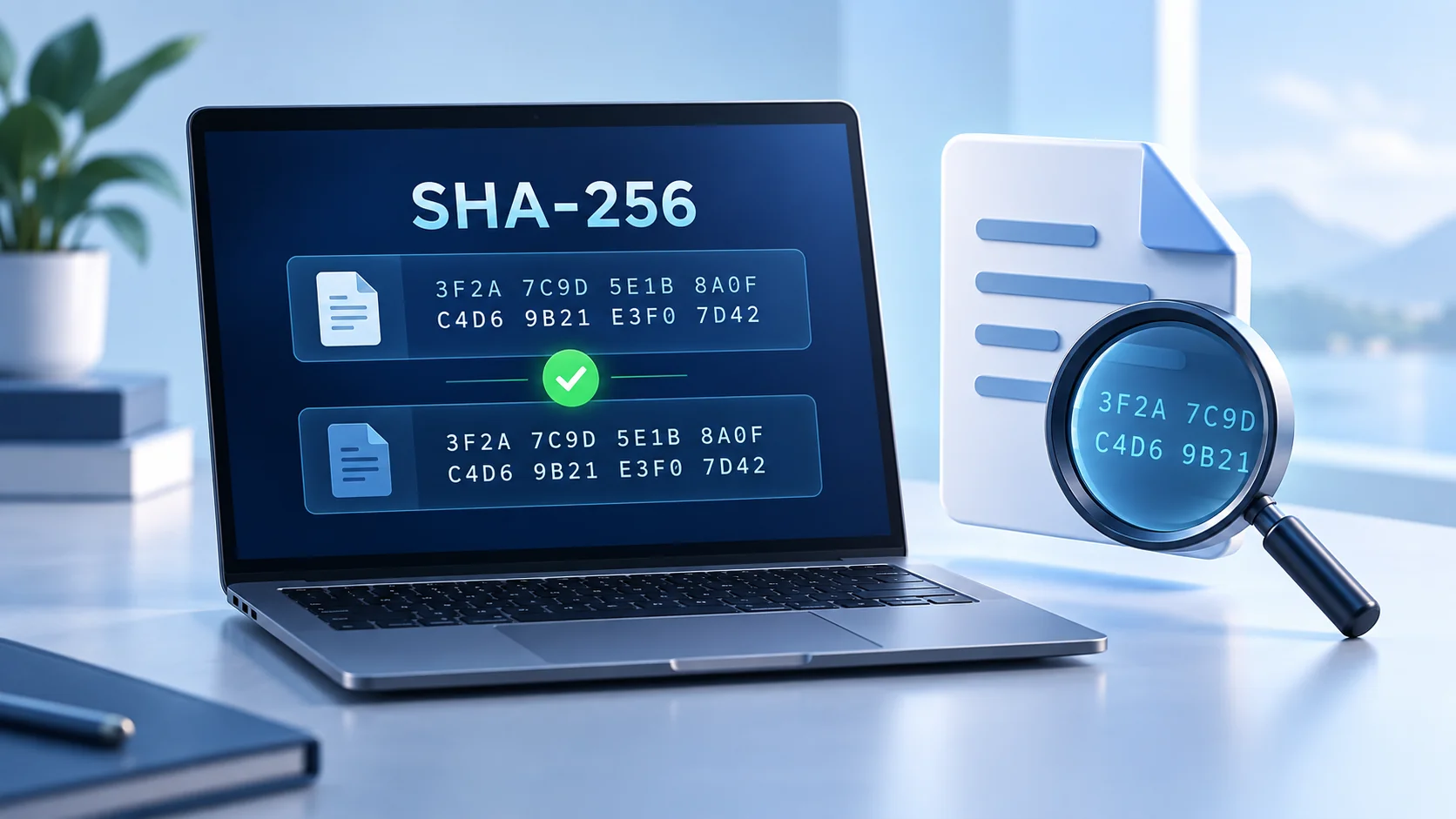
Verify SHA256 Checksum: 7 Easy Steps on Windows
-
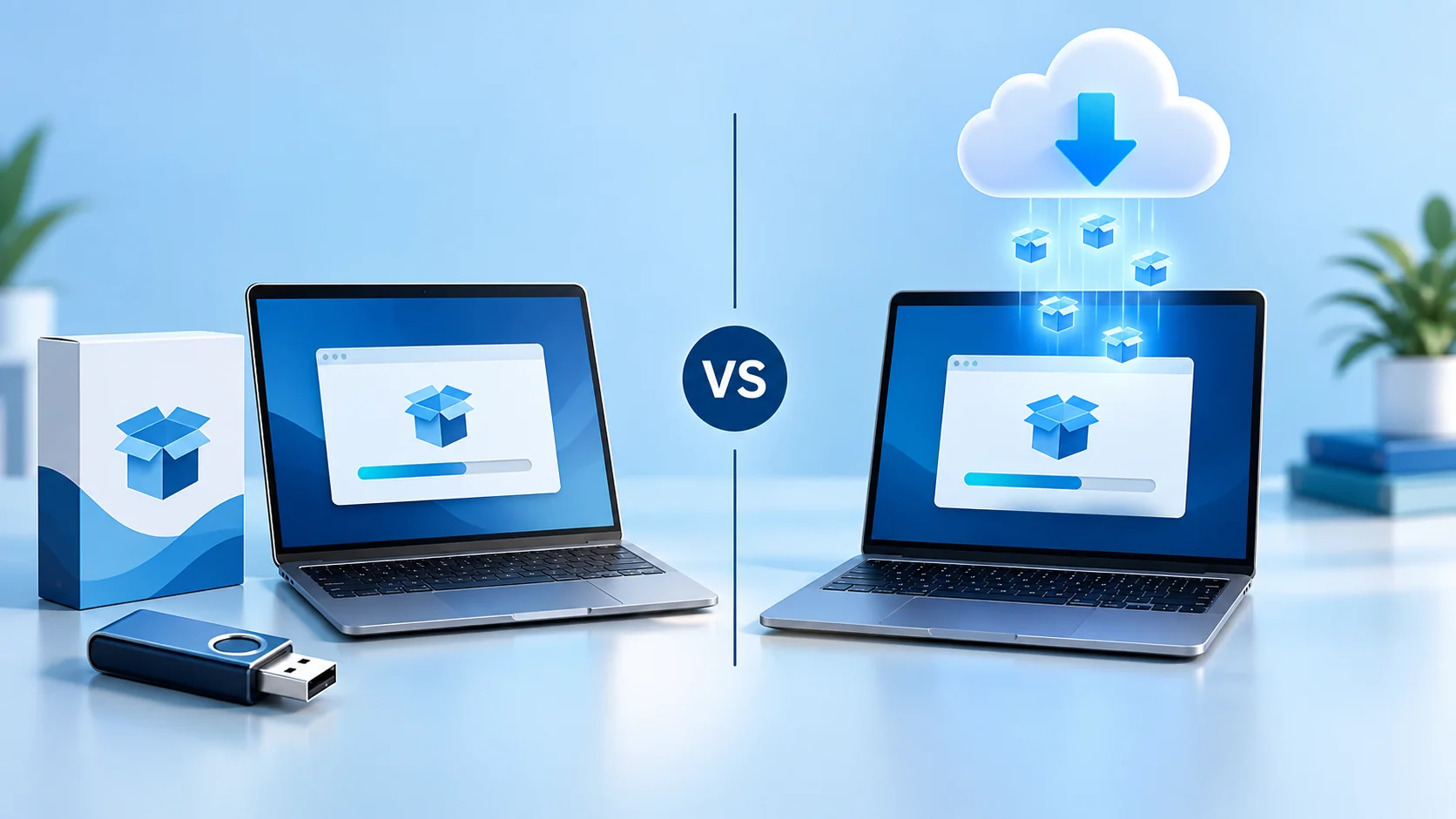
Offline vs Online Installer: 9 Tips for a Better Setup
-
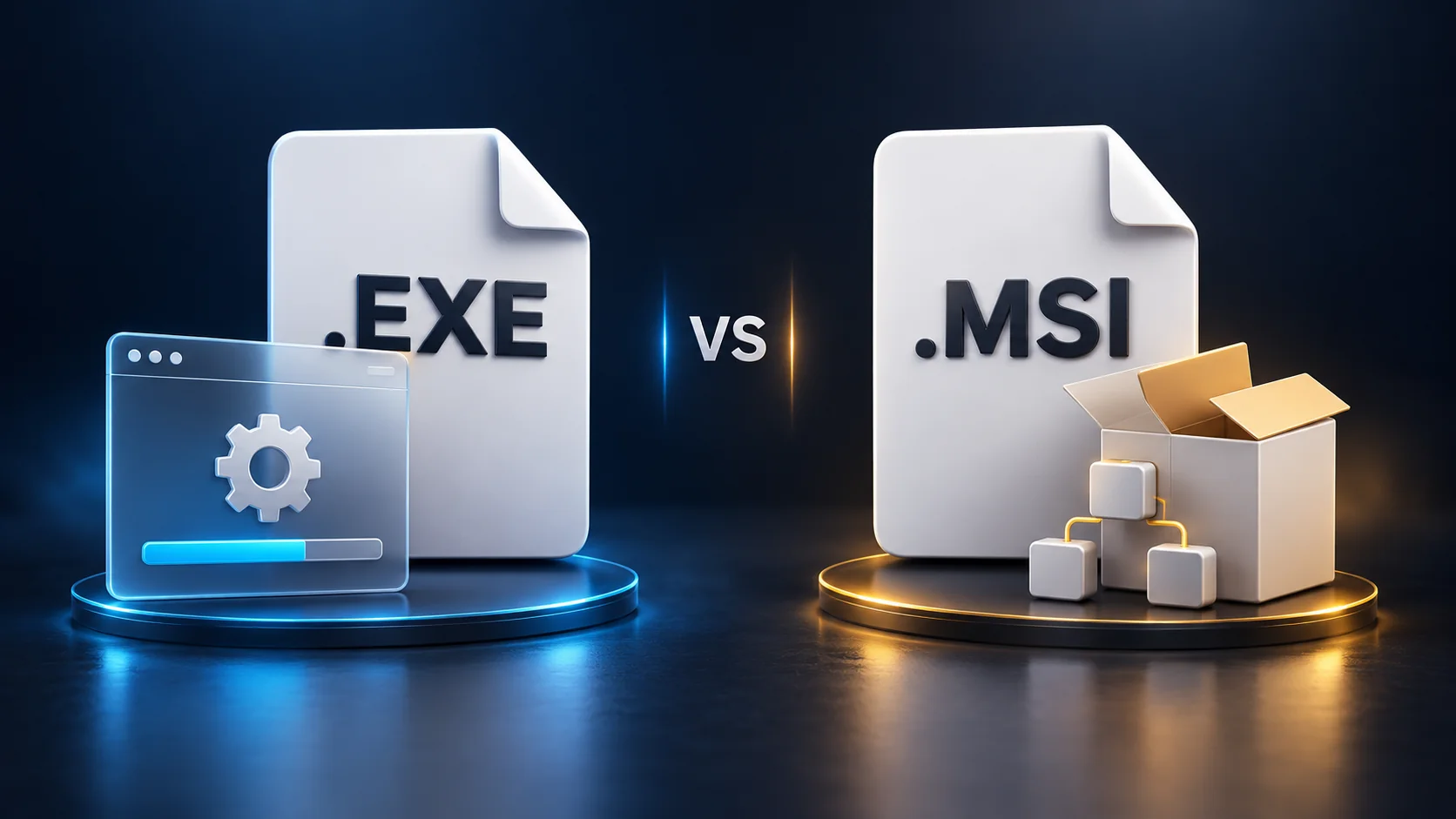
EXE vs MSI Installer: 9 Essential Differences (2026)
-
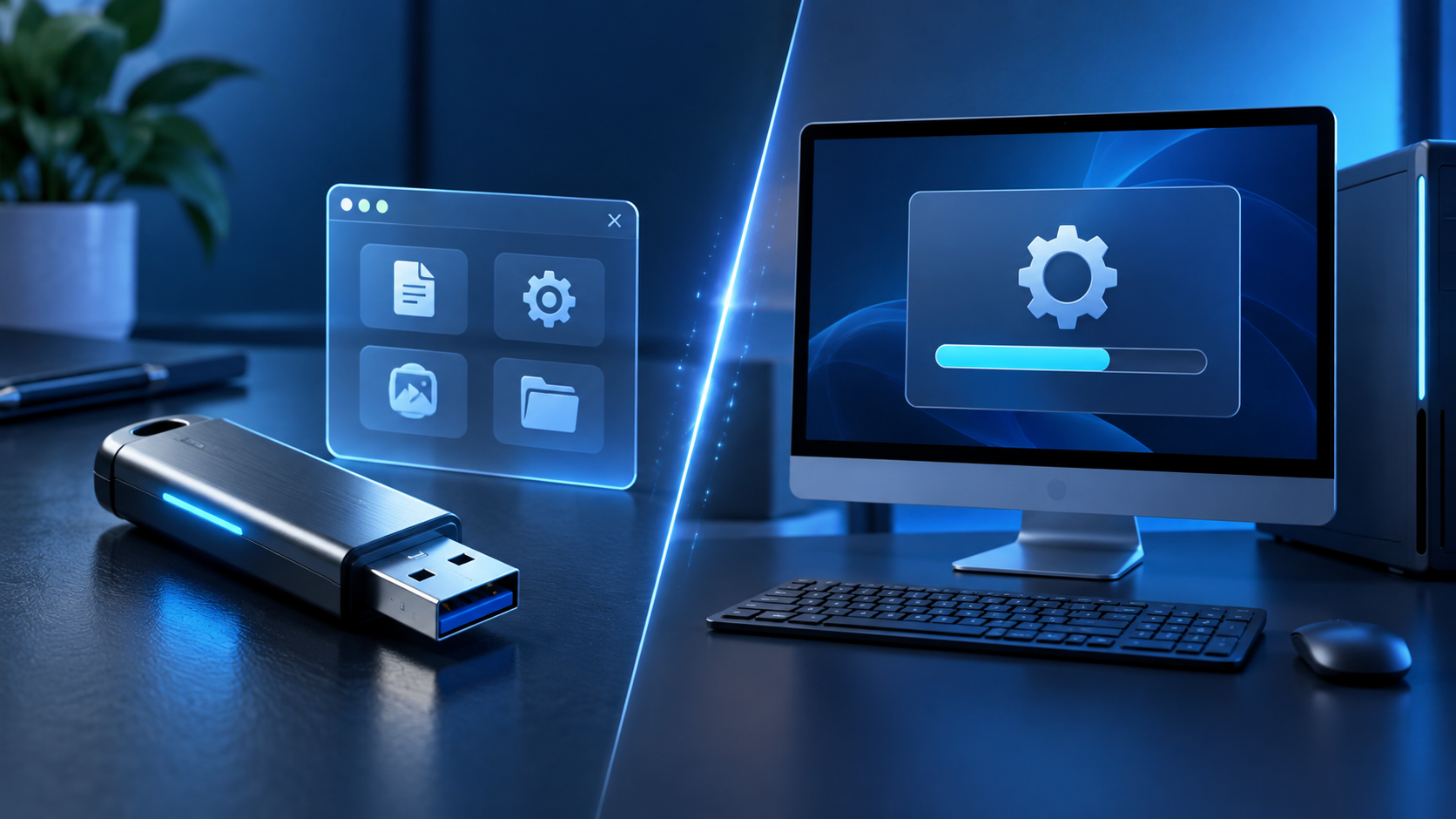
Portable vs Installed Software: 9 Essential Differences
-
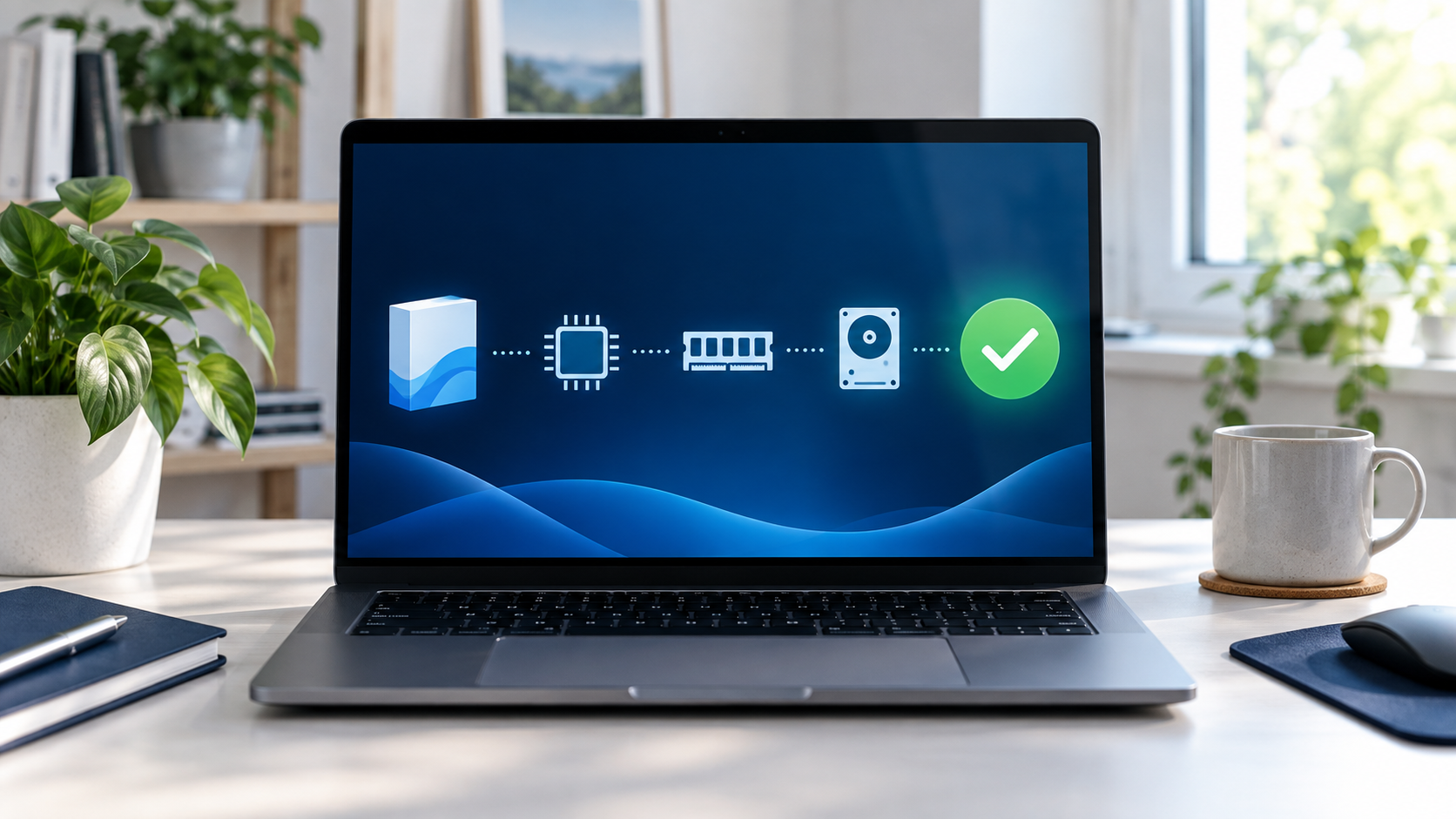
Check Software Compatibility: 11 Smart Steps (2026)
-
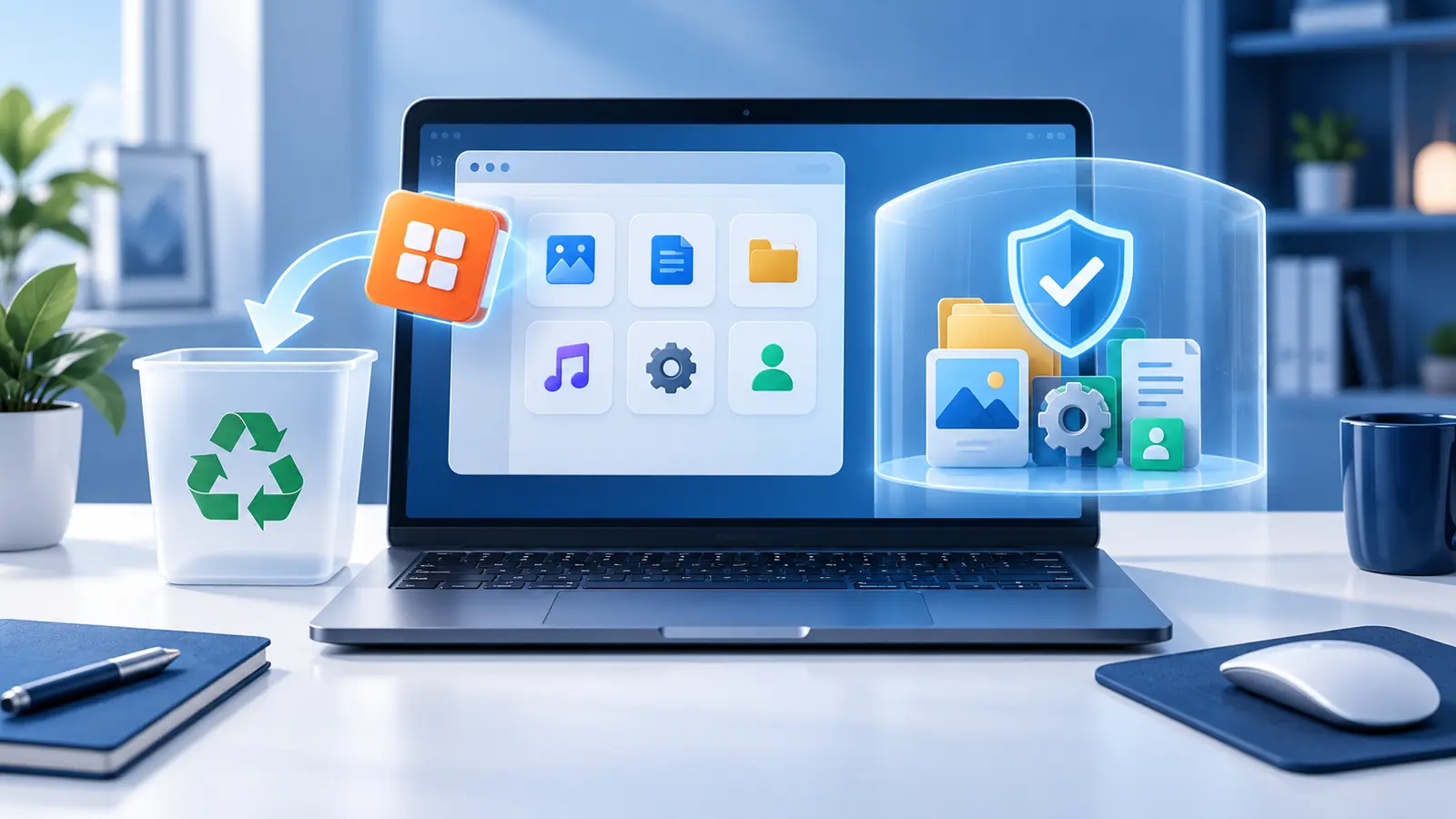
Uninstall Software Completely: 9 Safe Steps (2026)
-

32-Bit vs 64-Bit Software: 9 Crucial Differences (2026)
-
Free Trial vs Freemium: 9 Key Differences (2026)
-
How to Download Software Safely: 12 Smart Checks
How We Review Software
We evaluate software based on real usefulness, ease of use, compatibility, pricing, privacy, security, customer support, and update history. Our goal is to explain what each program does well, where it may fall short, and who should consider using it.
- Essential features and everyday usefulness
- Windows, macOS, Android, and iPhone compatibility
- Free plan limitations and paid subscription costs
- Privacy, security, and data collection practices
- Performance and impact on device speed
- Customer support, updates, and refund policies
Software Categories We Cover
AnyShop covers useful digital tools for work, personal productivity, device maintenance, and online security. Our software guides include:
- PDF and document tools
- Backup and cloud storage
- Productivity and office software
- System utilities and maintenance tools
- Password managers and privacy tools
- Business and communication applications
What Makes Software Reviews Trustworthy?
Trustworthy software reviews should explain both the advantages and limitations of a program. They should consider real features, ease of use, performance, privacy, customer support, and the total cost after renewal. AnyShop software reviews focus on helping readers understand who each tool is designed for instead of simply repeating promotional claims.
Before trusting a recommendation, check whether the review:
- Explains important features in clear language
- Mentions limitations and possible disadvantages
- Compares free and paid options fairly
- Uses current pricing and compatibility information
- Links to the official software provider
- Clearly discloses any affiliate relationship
Free vs Paid Software: What Should You Choose?
Free software can be a good choice when you only need basic features or want to test a tool before paying. Paid software may provide advanced features, regular updates, cloud services, technical support, and fewer limitations. Before subscribing, compare the features you will actually use, the renewal price, device limits, refund policy, and available free alternatives.
Before Downloading or Installing Software
Use software reviews as a starting point, but always verify the publisher and download the installer from its official website or a trusted app store. Check the system requirements, permissions, privacy policy, update history, and renewal terms before installing or subscribing.
CISA recommends downloading software updates from trusted vendor websites and keeping applications updated to reduce security risks. Read the official CISA software update guidance.
- Avoid cracked programs and unofficial activation keys
- Enable automatic updates when available
- Review optional bundled programs before installation
- Back up important files before major software changes
Software FAQs
Is free software safe to use?
Free software can be safe when it comes from the official developer or a trusted app store. Always check the publisher, update history, required permissions, and privacy policy before installing it.
Where should I download software?
Download programs directly from the developer’s official website or a trusted app store. Avoid unofficial download pages, modified installers, cracked software, and suspicious activation keys.
How do I know whether a software subscription is worth paying for?
Consider how often you will use the program, which paid features you need, how many devices are included, and whether the support and updates justify the recurring cost.
Choose Software with Confidence
Finding the right program should not be complicated. AnyShop provides clear information to help you compare features, pricing, compatibility, and limitations before downloading or subscribing. Browse our software reviews and check the latest software deals as we publish new recommendations.