Repair vs Reset Windows Apps: 7 Safe Steps
Repair and Reset can both help with broken Windows apps, but their effects on local data differ. Learn which option to try first, what to back up, and how to check the result.

Repair and Reset can both help with broken Windows apps, but their effects on local data differ. Learn which option to try first, what to back up, and how to check the result.
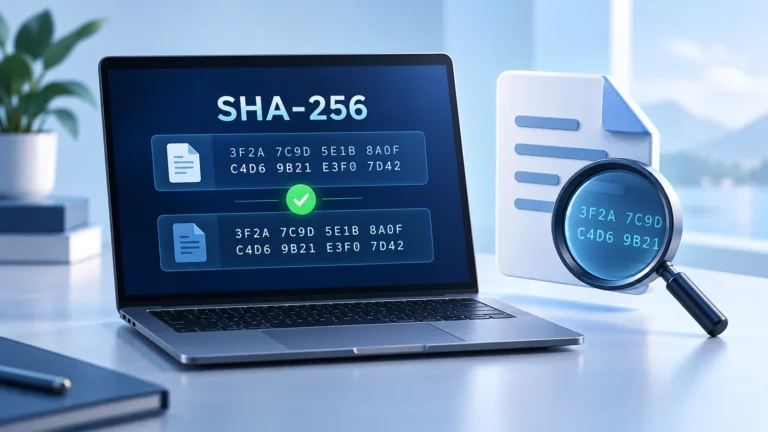
A download can have the correct name and still be the wrong file. Learn how to compare its SHA256 checksum with the publisher’s value before installation.
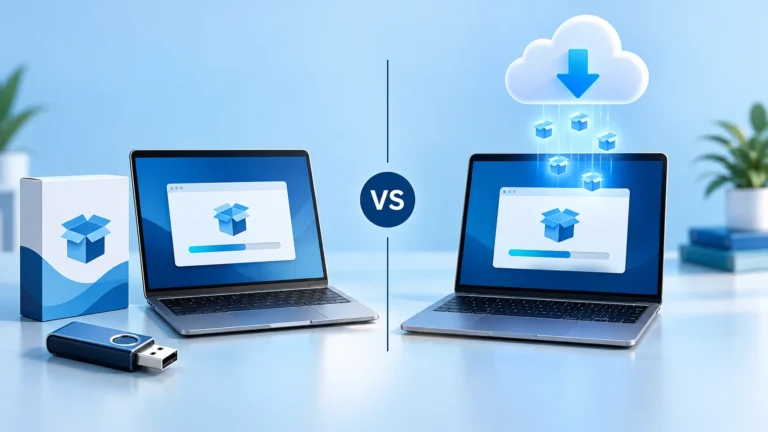
A small setup file may still need a large download. Learn how offline and online installers differ, when each makes sense, and what to check before installing.
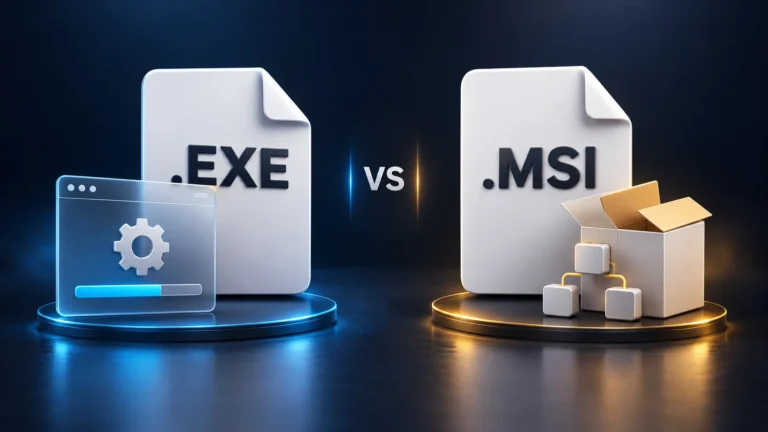
EXE and MSI files can both install Windows software, but they differ in structure, customization, deployment, repair, updates, and removal. Learn which format to choose.

Portable software runs with little or no traditional installation, while installed software integrates more deeply with Windows. Compare nine important differences to choose the right format.
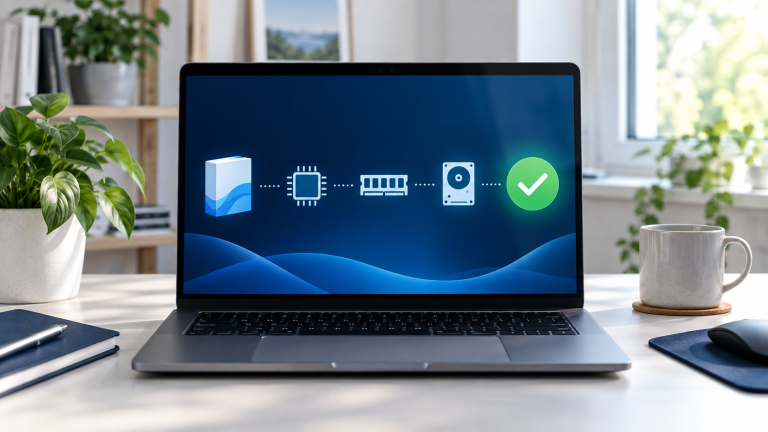
Avoid failed installations and wasted purchases by checking software compatibility first. This guide covers Windows version, hardware, architecture, drivers, licenses, and safe testing.
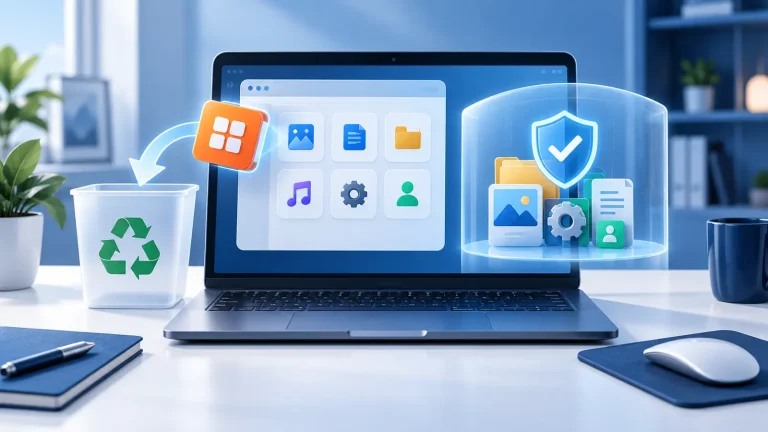
Removing a program involves more than deleting its desktop shortcut or installation folder. Follow nine safe steps to protect your files, avoid broken components, and solve common Windows uninstall problems.

Choosing the wrong software architecture can cause installation errors, missing features, or poor performance. This guide explains the practical differences between 32-bit and 64-bit software and shows Windows users which version to download.
Category: Software

A free trial and a freemium plan both let you use software without paying immediately, but they work very differently. This practical guide compares their limits, billing risks, data access, and long-term value.